AHRA 2026 Education Foundation Imaging Classic
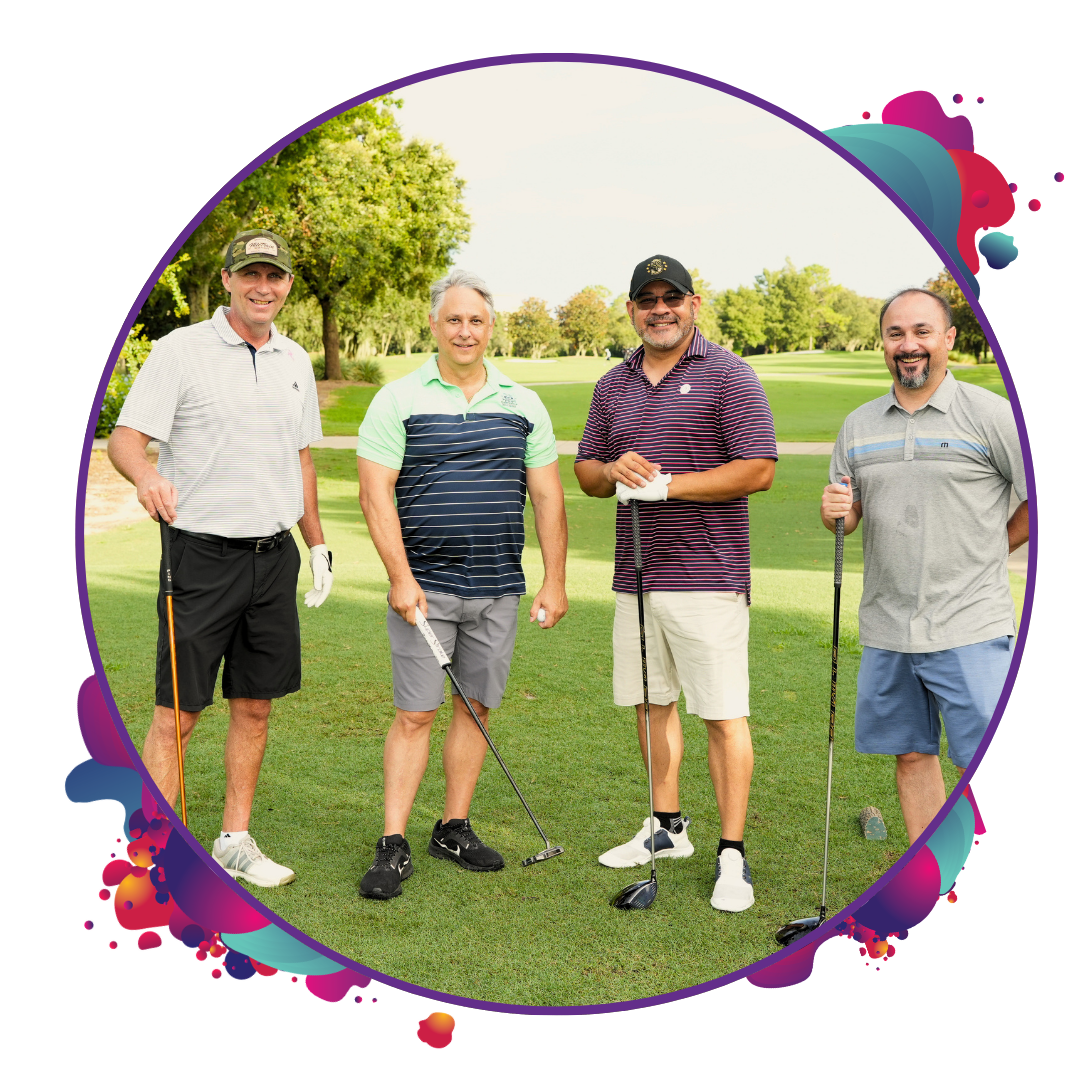
Your out-of-office starts on the green. Join us on Saturday, July 11 at Hawk’s Landing Golf Club for the AHRA EF Imaging Classic.
Expect friendly competition, easy networking, and connections that don’t feel forced. Whether you are joining as a foursome, threesome, twosome, or signing up solo, this is your chance to start strong before AHRA 2026 begins!
Register
Tournament Details
📅 Date: Saturday, July 11
⛳ Tee Off Time: 7:30 AM shotgun start
📍 Location: Hawk’s Landing Golf Club (8701 World Center Dr, Orlando, FL 32821)
💲 Registration Fee: $200
👥 Format: Scramble, 4 players per team
What’s Included
- Grab-and-go breakfast
- Green fees
- Golf cart
- On-course competitions
- Driving range access
- Sit-down lunch and awards ceremony (approximately 12:00 PM – 12:30 PM)
Prizes
We will be giving away prizes for:
- Championship Team (Lowest Gross Score)
- $50K Hole-In-One
- Closest to the Pin(s)
- Longest Drive
- Straightest Drive
How to Register
Register your pair, trio, or full foursome at once or sign up individually. If registering separately, list your preferred playing partners and coordinate with your group in advance to help ensure you are paired together.
Single golfers are welcome and will be paired with other individuals or added to a group that needs extra players.
Already registered for AHRA 2026? You can add the golf tournament to your registration at any time using the review or update your purchase link in your confirmation email under the Event Details section.
Rental Clubs
Rental clubs are available for $65. Please note AHRA is not collecting the rental club fee. This will be handled directly by the golf club.
Rental clubs must be requested at least 10 days in advance. To reserve, contact Marriott’s resident golf professional, Kevin Smith, at 407.239.4200 or kevin.c.smith@marriott.com.
Dress Code
All players must abide by the Hawk’s Landing Golf Club dress code in order to participate.
Shoes with metal spikes, sandals, and open-toed or elevated-heeled shoes are not permitted. Barefoot play is not allowed.
Men must wear collared shirts at all times with slacks or mid-length shorts. Blue jeans, short-shorts, cut-offs, tank tops, T-shirts, gym shorts, jogging suits, halter or bikini tops are not permitted.
Thank You to Our Golf Tournament Sponsors
Eagle Sponsor

Par Sponsor

Sponsorships are still available. View opportunities or contact Nicole Boland at nboland@ahra.org for more information.